
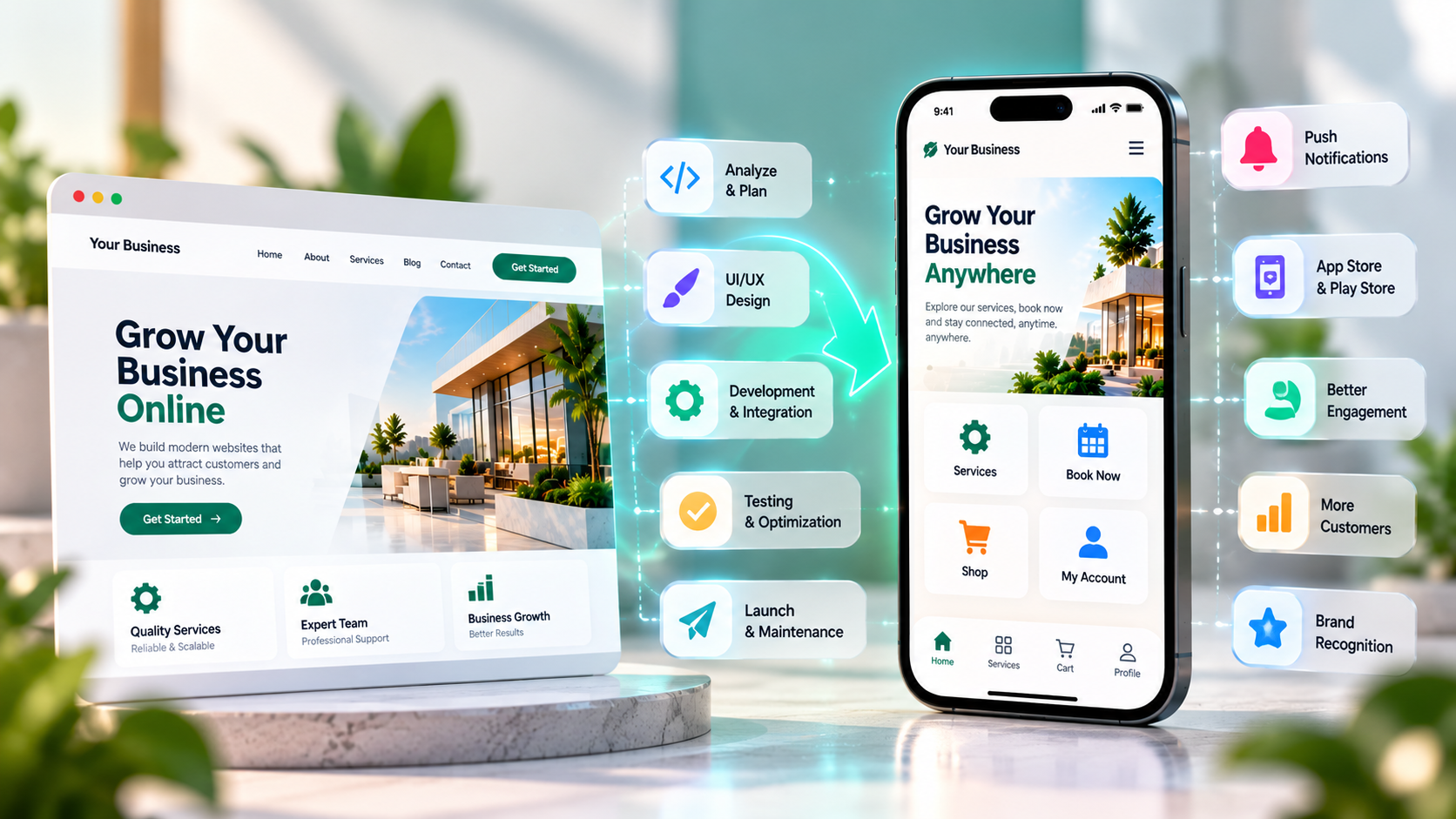
Today, customers expect businesses to provide convenient digital experiences across websites, smartphones, and tablets. A business website helps people discover services, explore products, and contact a company, but some businesses need additional mobile features to serve customers more effectively.
If you already have a business website, you may not need to build a mobile application completely from scratch. Depending on your website’s technology and business goals, you can turn your existing website into a mobile app by using a Progressive Web App (PWA), a WebView-based application, or a custom mobile app that connects to your existing website and backend.
Understanding these options can help you choose a practical solution without spending money on unnecessary features.
In this guide, we explain how to turn your business website into a mobile app, the available development methods, the benefits, the cost factors, and how to choose the right approach for your business.
Can You Turn a Business Website into a Mobile App?
Yes. A business website can be converted into a mobile app or used as the foundation for a new mobile application.
The best method depends on how your website works and what you want the app to do.
For example, a service-based business may need an app that displays services, allows customers to book appointments, and sends notifications. An e-commerce business may need product browsing, customer accounts, order tracking, and secure payments.
There are three common approaches:
- Progressive Web App (PWA): A website enhanced with app-like features that can be installed on supported devices through a browser.
- WebView mobile app: A native app shell that displays your website inside an application.
- Custom mobile app: A purpose-built application that connects to your website’s backend, APIs, or database.
These approaches are different, and choosing the right one early can save time and development costs.
Why Should You Turn Your Website into a Mobile App?
A mobile app can help your business create a more convenient and engaging experience for customers, especially when people regularly interact with your services.
1. Make Your Business Easier to Access
Customers can access an installed app from their phone’s home screen instead of opening a browser and typing your website address.
This can be useful for businesses that have repeat customers, membership services, online ordering, appointment booking, or customer portals.
2. Improve Customer Engagement
Depending on the development approach and platform permissions, a mobile app may support push notifications, saved preferences, account features, and other engagement tools.
For example, an e-commerce business might notify customers about order updates, while a booking service could send appointment reminders.
Notifications should be relevant and permission-based so they remain useful rather than becoming intrusive.
3. Provide a Better Mobile Experience
Although responsive websites work on mobile devices, some businesses require features beyond a standard mobile website.
A custom app can provide app-specific navigation, saved user preferences, device integrations, and workflows designed around frequent customer actions.
However, a well-designed responsive website may already meet the needs of many small businesses. An app is most useful when it solves a specific customer problem.
4. Support Repeat Purchases and Bookings
Businesses with recurring customer interactions can use mobile apps to simplify repeat orders, reservations, payments, loyalty programmes, and account management.
For example, a restaurant might allow customers to browse its menu and place orders, while a salon might offer appointment scheduling and booking history.
5. Build Stronger Customer Relationships
A mobile app can provide a direct channel for customers who regularly use your services.
Features such as account dashboards, loyalty rewards, order updates, saved items, and personalised settings can make the experience more convenient.
The results depend on whether customers find the app genuinely useful and continue using it.
Three Ways to Turn Your Website into a Mobile App
Before starting development, compare the three main approaches.
1. Convert Your Website into a Progressive Web App (PWA)
A Progressive Web App is a website enhanced with features that make it behave more like an application.
A PWA can be installed on supported devices, provide an app-style interface, and use service workers for selected offline functionality. Depending on the browser and operating system, it may also support web push notifications and other device capabilities.
A PWA is often a practical choice for businesses that want an app-like experience without maintaining separate native applications for every platform.
PWA features may include:
- Home-screen installation
- Responsive app-like layouts
- Selected offline experiences
- Faster repeat visits through caching
- Web push notifications on supported platforms
- Automatic updates through the website deployment process
However, PWA capabilities vary by browser and operating system. A PWA is not automatically equivalent to a fully native application, and access to device features may be limited.
Best suited for: Business websites, content platforms, service websites, and businesses looking for a cost-conscious mobile experience.
2. Build a WebView-Based Mobile App
A WebView application uses a native mobile application shell to display web content inside an app.
For example, an existing booking website may be displayed inside an Android or iOS application with an app icon and selected native navigation features.
This can be a relatively straightforward option when the website is already mobile-friendly and most required functionality is available online.
However, simply placing a website inside a WebView does not automatically create a high-quality mobile app.
The website must be responsive, login sessions must work correctly, links and external pages must be handled appropriately, and payment flows must be tested. App-store review requirements also apply, and a basic website wrapper may not provide enough app-specific functionality to qualify for approval.
Best suited for: Businesses with existing web-based workflows that need a relatively simple application experience.
3. Develop a Custom Mobile App
A custom mobile app is built specifically for Android, iOS, or both platforms.
It can connect to the existing website’s backend or APIs while providing a dedicated mobile interface.
Unlike a simple WebView app, a custom app can offer app-specific screens, navigation, secure authentication, offline workflows where appropriate, device integrations, and tailored user experiences.
The website and mobile app can share backend services and business data when the architecture supports it. However, the mobile interface usually needs its own development and testing.
Best suited for: E-commerce platforms, booking systems, delivery services, customer portals, membership platforms, and businesses with more advanced mobile requirements.
Website-to-App Conversion: Which Option Is Best?
The right choice depends on the features your customers need, your budget, and the complexity of your existing website.
| Feature | PWA | WebView App | Custom Mobile App |
|---|---|---|---|
| Home-screen access | Supported on compatible devices | Yes | Yes |
| App Store / Play Store distribution | Platform-dependent; not required for installation | Possible, subject to review | Possible, subject to review |
| Reuses existing website | Extensively | Extensively | Backend and APIs can be reused |
| App-specific interface | Limited to web capabilities | Partially customizable | Highly customizable |
| Device integration | Browser-dependent | Available through native bridges | Depends on implementation |
| Offline functionality | Selected features | Requires additional implementation | Can be designed for specific workflows |
| Development complexity | Usually lower | Low to moderate | Moderate to high |
| Best use case | App-like website experience | Simple web-based app | Advanced mobile functionality |
There is no universally best option. A PWA may be enough for a small service business, while a business with complex bookings, payments, or customer workflows may benefit from a custom application.
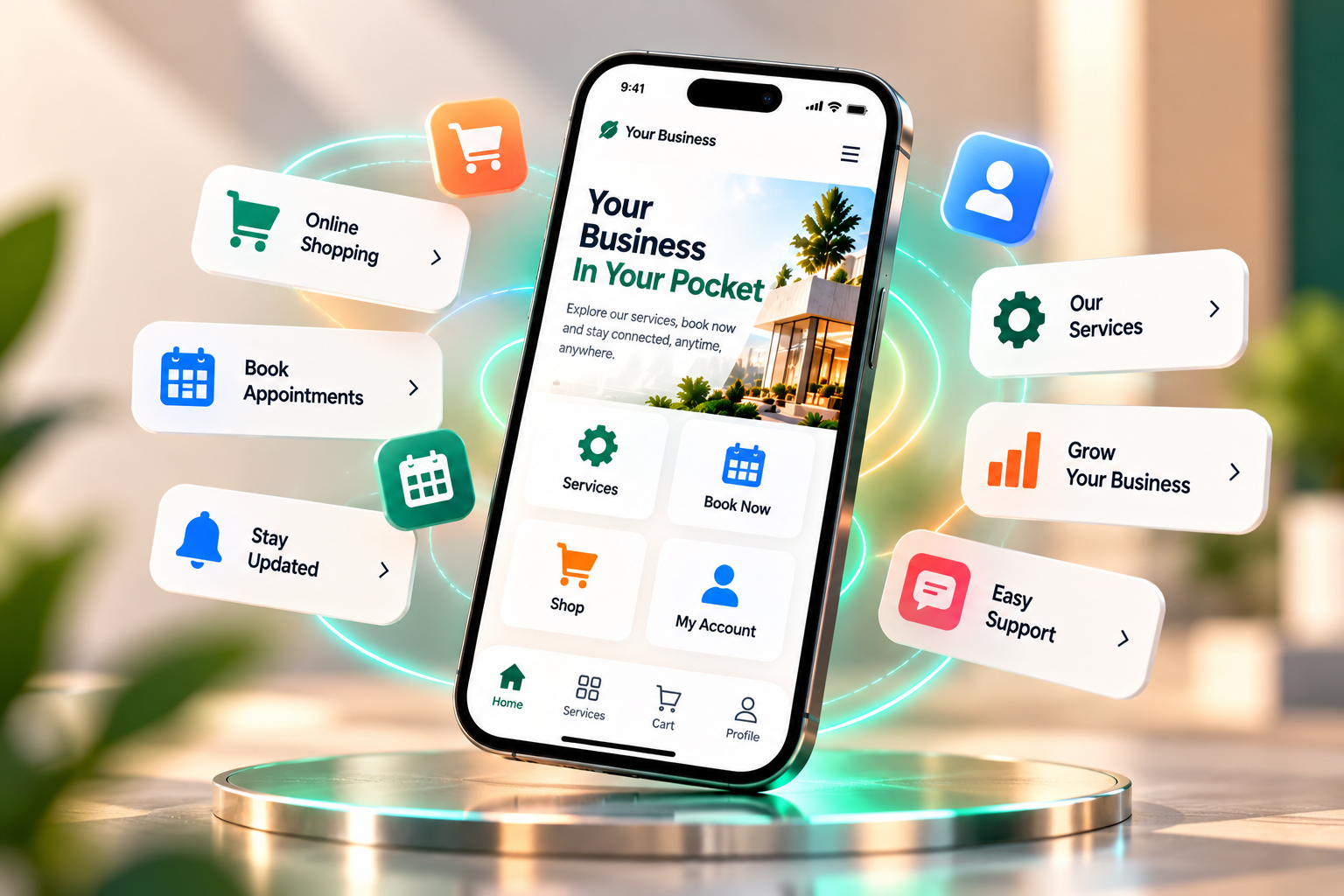
Step-by-Step: How to Turn Your Business Website into a Mobile App
A successful website-to-app project begins with planning, not coding.
Step 1: Evaluate Your Existing Website
Start by reviewing your current website.
Check whether it is mobile-friendly, loads quickly, has clear navigation, and supports the main actions customers need to complete.
Identify any existing issues with forms, checkout, login, account management, or navigation.
If the website has serious technical problems, fix them before using it as the foundation for a mobile app.
Step 2: Define the App’s Purpose
Decide what the app should help customers accomplish.
Avoid copying every website page into an application without considering the mobile experience.
Instead, identify the most important user actions.
For example:
- An e-commerce app may focus on product discovery, checkout, and order tracking.
- A salon app may focus on appointments, reminders, and booking history.
- A service business app may focus on enquiries, customer accounts, and service requests.
- An educational business app may focus on course access, progress, and notifications.
A clear purpose helps control development costs and keeps the application useful.
Step 3: Choose the Right Development Approach
Once the requirements are clear, decide whether a PWA, WebView app, or custom application is appropriate.
Consider:
- Your budget
- Target devices
- Required integrations
- Offline requirements
- App Store and Google Play distribution needs
- Security requirements
- Long-term maintenance
- Expected customer usage
If you are unsure, a technical assessment can help determine how much of your existing website and backend can be reused.
Step 4: Plan the Mobile User Interface
Mobile app design should prioritize the tasks users perform most often.
Important considerations include readable typography, clear navigation, accessible buttons, simplified forms, appropriate spacing, and consistent visual styling.
A mobile app should not simply reproduce the desktop website at a smaller size. It should provide a focused experience for smartphone users.
Step 5: Connect the App to Your Website and Backend
Depending on your website’s architecture, the app may connect to existing APIs or require new backend endpoints.
For example, a custom application might retrieve products, display customer account details, submit bookings, or retrieve order status from the same backend used by the website.
A well-designed API layer helps keep data consistent between the website and the mobile app.
Avoid connecting a mobile app directly to a database using exposed database credentials. Authentication, authorization, validation, and sensitive operations should be handled securely through the backend.
Step 6: Implement Essential Features
Start with the features that support the app’s main purpose.
Depending on your business, these may include:
- Secure login and registration
- Customer profile management
- Product or service listings
- Booking and appointment scheduling
- Online payments
- Order tracking
- Push notifications
- Customer support
- Search and filtering
- Analytics and crash reporting
Not every app needs every feature. Building only what customers need for the first release can reduce cost and complexity.
Step 7: Test the App Thoroughly
Before launch, test the application on relevant devices and operating system versions.
Testing should cover navigation, login, form validation, payment workflows, API errors, network interruptions, accessibility, performance, and security.
For e-commerce and booking apps, test the entire customer journey from selecting a product or service to completing the transaction.
If the application will be distributed through app stores, prepare the required screenshots, descriptions, privacy disclosures, permissions, and other submission materials.
Step 8: Launch and Maintain the App
After testing, publish the app through the appropriate distribution channel or make the PWA available for installation.
Monitor crashes, performance, customer feedback, and key user actions after launch.
Mobile operating systems, browsers, third-party APIs, and security requirements change over time, so ongoing maintenance is important.
What Features Should Your Business Mobile App Include?
The right feature set depends on your industry and customer requirements.
For E-Commerce Businesses
An e-commerce app may include product catalogues, search, filters, a shopping cart, secure checkout, customer accounts, order tracking, wishlists, and loyalty rewards.
You can also explore our guide to E-Commerce Website Development in Hyderabad to understand the website side of an online selling business.
For Service-Based Businesses
Service businesses may benefit from appointment booking, service listings, customer enquiries, payment options, booking history, and reminders.
These features can reduce manual coordination and make it easier for customers to interact with the business.
For Educational Businesses
Educational applications may offer course access, learning materials, quizzes, progress tracking, announcements, and student accounts.
The best features depend on the learning model and whether students need to access content offline.
For Healthcare and Appointment-Based Services
Depending on the business model and applicable regulations, a healthcare or appointment app may support appointment scheduling, reminders, secure account access, and communication with service providers.
Sensitive personal information requires appropriate security, privacy, and access controls.
How Much Does It Cost to Turn a Website into a Mobile App?
The cost depends on the development approach, existing website quality, number of platforms, design requirements, backend changes, integrations, testing, and maintenance.
The following figures are illustrative planning estimates, not fixed market prices or quotations.
| Development Approach | Indicative Cost |
|---|---|
| Basic PWA | ₹15,000–₹50,000 |
| WebView-Based App | ₹25,000–₹75,000 |
| Custom Android App | ₹75,000–₹2,50,000+ |
| Custom iOS App | ₹1,00,000–₹3,00,000+ |
| Cross-Platform Custom App | ₹1,00,000–₹4,00,000+ |
A simple application built on a well-maintained website may cost less than a project requiring a new backend, advanced integrations, custom designs, or complex business workflows.
Additional costs may include hosting, third-party services, maintenance, testing, app-store-related requirements, and ongoing development.
For a more accurate estimate, define the features, target platforms, expected usage, and integration requirements before requesting a quotation.
How Long Does It Take to Turn a Website into a Mobile App?
The timeline depends on the selected approach and the complexity of the project.
A basic PWA may take approximately one to three weeks. A straightforward WebView application may take around two to four weeks, while a custom mobile application may take six to sixteen weeks or longer.
These are general planning estimates. A project with complex integrations, payment workflows, user roles, or large data migrations may require additional time.
The development process typically includes planning, design, development, integration, testing, launch preparation, and post-launch improvements.
Important Things to Consider Before Converting Your Website
Before starting a website-to-app project, evaluate the following areas.
Website quality: A poorly maintained website may need improvements before it can serve as a reliable app foundation.
Security: Protect customer accounts, payment workflows, personal information, and API access.
Performance: Optimize images, network requests, caching, and backend responses to provide a responsive experience.
Maintenance: Plan for bug fixes, security updates, platform compatibility, and future feature improvements.
App distribution: Decide whether you need a PWA, private distribution, or public availability through Google Play and the Apple App Store.
Customer demand: Consider whether your customers will benefit from installing an app or whether a mobile-friendly website already meets their needs.
Privacy: Explain what data the app collects and how it is used, and implement appropriate privacy and security practices.
These considerations help ensure the application supports your business goals instead of becoming an unnecessary additional expense.
Why Choose SJ CreativeWorks for Mobile App Development?
SJ CreativeWorks helps businesses strengthen their digital presence through website design and development services.
When planning a mobile application, the right solution should be based on the existing website, business model, customer expectations, and required features.
Some businesses may need a PWA that improves mobile accessibility. Others may require a custom application connected to their existing website and backend.
A structured development process can help define the requirements, choose a suitable architecture, plan the user experience, implement essential functionality, and test the application before launch.
For businesses planning to expand beyond a traditional website, the first step is to identify the customer problems the app should solve and determine whether an app is the most practical solution.
Final Thoughts
Turning a business website into a mobile app can make services more convenient, improve repeat customer interactions, and provide access to mobile-specific features.
The best approach depends on what your business needs. A Progressive Web App may be suitable for a straightforward app-like experience, a WebView application may work for a simple web-based workflow, and a custom mobile app may be appropriate when advanced functionality or deeper device integration is required.
Before investing in development, review your website, identify the most important app features, compare the available approaches, and prepare a realistic budget.
For businesses considering how to turn a business website into a mobile app, careful planning can help you choose a solution that supports customers today and can grow with your business in the future.